Schedule a Demo
Free demos are available for all CM Fusion accounts!
Schedule a DemoFree demos are available for all CM Fusion accounts!
Start by going to the Projects tab in the top menu. Select which project you want to edit.
1. Start by going to the Projects tab in the top menu.
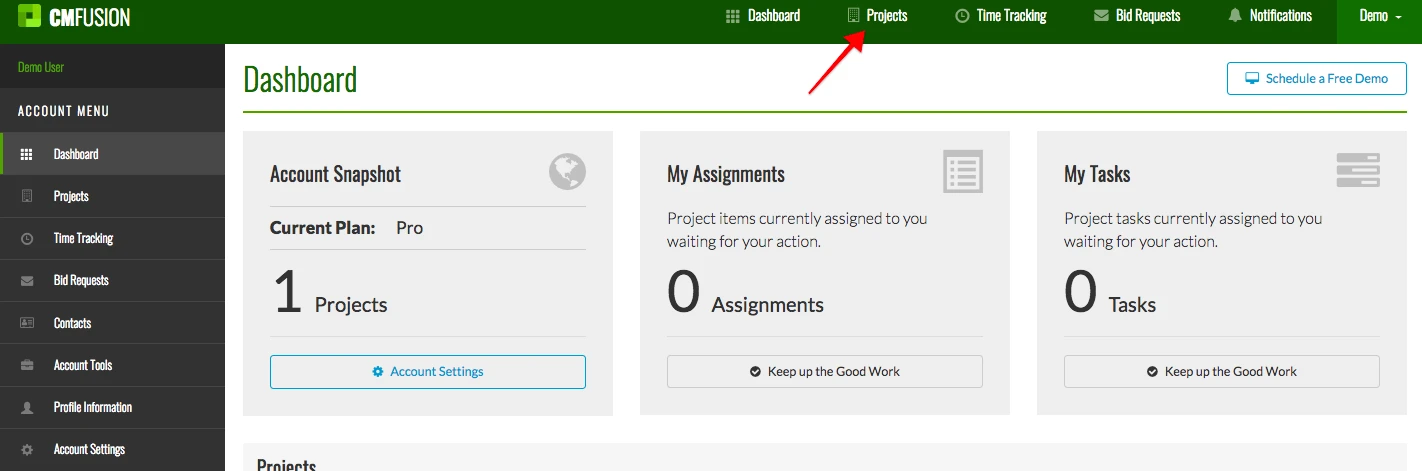
2. Select which project you want to edit.
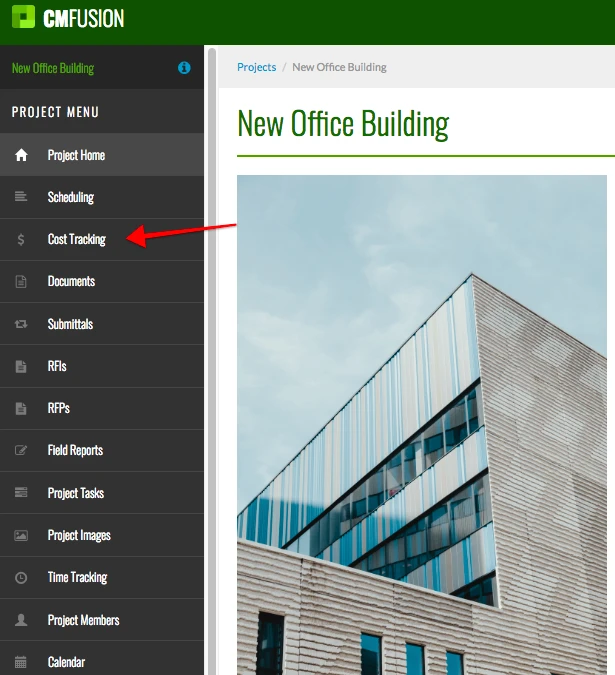
3. Click on Cost Tracking tab in the left menu.
4. Click over to the Cost Categories tab.

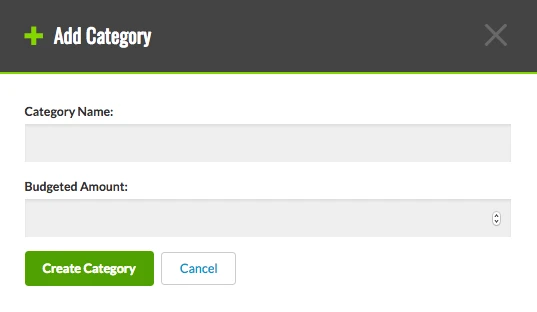
5. To create a new cost category, click the Add Category button in the top right.

The following box appears. Enter the name and budgeted amount. Then click Create Category.
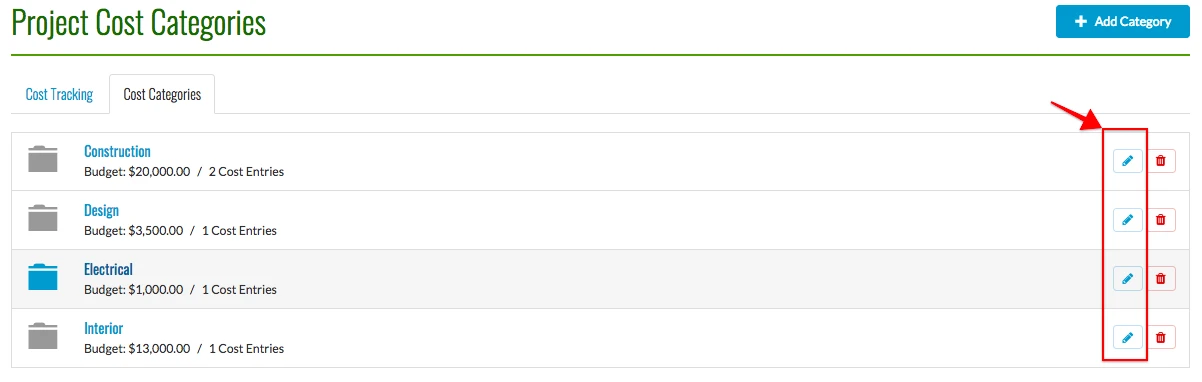
6. To edit an existing category, click the pencil icon next to that category.
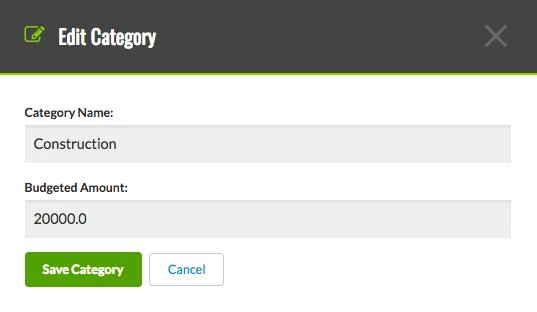
Edit the name or budgeted amount. Then click Save Category.
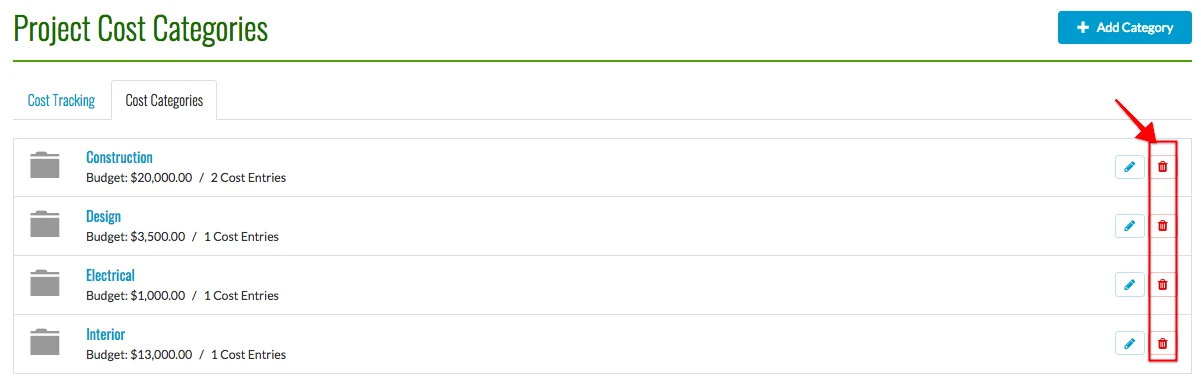
7. You can also delete a category. Simply click the red trash next to the category you wish to delete. Then click OK on the box that appears asking if you want to permanently delete it.
Try us out completely free for 30 days - no credit card required.
CM Fusion is cloud-based construction management software for general contractors.
 Request a Free Demo
Complete the fields below to request your Free CM Fusion Demo.
 Loading...

Hi User
How can we help?